
See the model as a system
Use generated diagrams to review boundaries, relationships and repeatability.
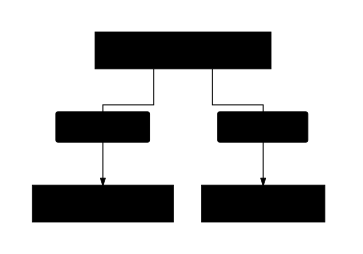
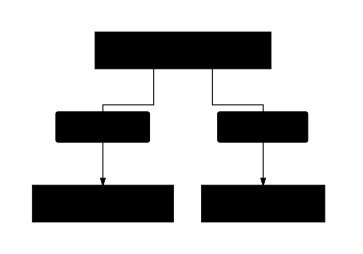
A visual view helps a team discuss a model without reading every YAML file. It makes model boundaries, embedded structures and shared identities easier to inspect together.
Generate a review diagram
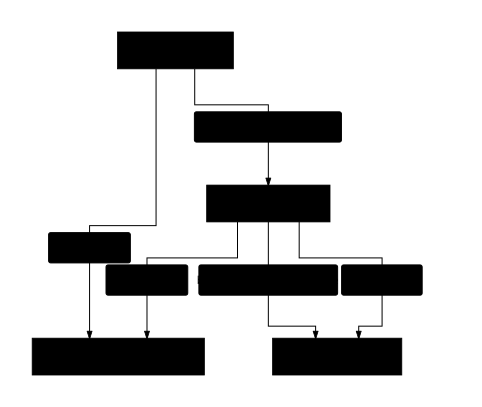
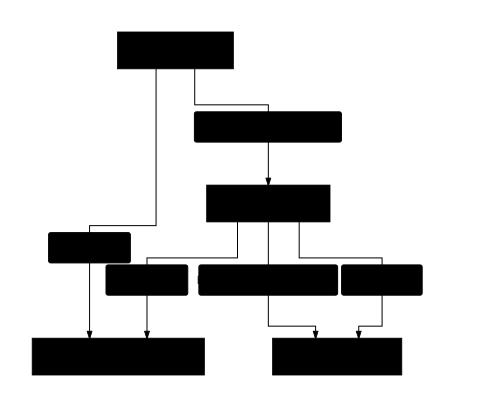
Section titled “Generate a review diagram”The Skills development tools can generate Markdown catalogues and Mermaid relationship diagrams from a validated model graph. Keep the diagram source in Git with the model set when a review needs a stable record.
A useful relationship view distinguishes:
objectembedding fromreferencelinking;- independent identity from ownership intent;
- singular values from repeatable fields;
- all five model kinds;
- required fields from optional fields in detailed views.
Always explain the important relationships in text as well. A diagram should help a reader understand the model without relying on colour alone.
Keep presentation separate from meaning
Section titled “Keep presentation separate from meaning”Diagram positions, generated routes and visual grouping are presentation data. Keep them separate from the portable CMMF model definitions.
FigJam/Miro board exports are prospective capabilities in the supplied planning material. The current tool snapshots do not establish an implemented board exporter or hosted collaborative editor.
Download a relationship diagram
Section titled “Download a relationship diagram”The complete example sets also have static SVG diagrams generated from their model files during the site build. They include rich-text reference edges and have text descriptions. The same graph is available as Mermaid source for use in other documentation.